Delivery order management: a clear, reliable workflow
To manage delivery orders without errors, follow the same steps every time: receive, review, prepare, check and hand off. Assign one person to coordinate orders and use a single system that the kitchen and counter can both see. This helps reduce confusion during busy periods and spot orders that may be delayed. The same approach also works for takeaway orders.
How do you organize delivery orders from the moment they arrive?
Organize orders with one workflow that everyone can see: incoming, reviewed, being prepared, checked and ready to go. Each order should move through these stages, with one person responsible for making sure it does not get stuck between them.
Start by deciding which channels you will accept orders through and where those orders will appear. If they come in by phone, website, platforms and counter, record them in the same place as soon as they are confirmed. Checking multiple screens or relying on someone to remember a phone call makes it easier for an order to be missed. Digital order management can bring order details together and make communication with the kitchen easier; entering orders manually from different channels can lead to omissions or mistakes (guide to order management systems).
Also define what each status means. For example: received, confirmed, in preparation, ready and handed off. The process does not need to be complicated, but everyone should know when to change a status and who is responsible. If an order is on hold because of a question or an unavailable item, flag it and notify the person in charge rather than leaving it mixed in with orders that are already moving forward.
The goal is for anyone to be able to answer three questions quickly: what needs to be prepared, what is in progress and what is waiting to go out.
What should you check when an order comes in?
When an order comes in, confirm the channel, items, modifications, quantities, agreed time and whether it is for delivery or pickup. Checking these details before sending the order to the kitchen is the simplest way to prevent an incomplete request from turning into a problem later.
Pay attention to notes: an ingredient to leave out, a different side or a request about how a dish should be cooked can change how it is prepared. If anything is unclear, resolve it before work begins; do not leave the kitchen to guess while it is already busy. Also check that the item is available. If it is not, tell the person managing the order as soon as possible so they can contact the customer and suggest an alternative.
For distance sales in Spain, mandatory food information must be available before the purchase is completed. For non-prepacked food, allergen information must be provided before the order is completed, under the conditions set out by the European Commission (information on distance selling). That is why the team should know where to find product information and how to handle an allergen question without improvising an answer.
When you confirm the order, repeat the key details to the customer if you are taking it by phone. For digital channels, check that notes and modifications have been recorded.
How do you organize kitchen orders without disrupting front-of-house service?
To organize kitchen orders, present each ticket clearly, in order and where it can be seen, and separate takeaway orders from dine-in orders. The kitchen should be able to identify what to prepare and which order it belongs to without searching in several places.
Group tickets by stations or tasks your team already uses, but avoid creating a classification so complicated that it slows work down. If an order includes dishes prepared in different areas, make sure the people involved can see the notes and coordinate when the full order will be ready. The person coordinating the pass can check that nothing is missing before marking the order as ready.
Front of house needs its own workflow, too. Delivery should not take attention away from dine-in service: plan who receives and hands off orders, and avoid making every server leave their tasks to look for bags or answer questions. AECOC notes that home-delivery orders are usually managed from the same restaurant, using resources shared with front of house, and warns that this should not harm direct service (C84 | FOODSERVICE).
A kitchen display can help keep tickets in view. If you want to explore this kind of workflow, see Tablezio's kitchen display system.
How do you prioritize delivery orders and avoid delays?
Prioritize orders using criteria the team can apply consistently: the agreed pickup or delivery time, preparation status and time required for each order. Do not automatically put every delivery order ahead of dine-in orders; organize the work so both service channels can keep moving without blocking each other.
At the start of service, review orders that are already confirmed and scheduled pickups. During the shift, watch for orders that have been waiting too long for an action: a ticket not sent to the kitchen, a preparation still pending or a ready bag that no one has handed off. If the workload increases, tell the team which orders need to go out first and who is responsible for each one. Avoid changing priorities constantly without explaining why, as this wastes time and duplicates work.
When you expect that you will not meet the promised time, act early. Check what is causing the bottleneck, adjust the sequence if possible and update the customer through the appropriate channel. It is better to manage expectations clearly than to wait for the customer to ask about an order that should already have gone out.
If delivery volume grows and shares staff and space with dine-in service, review the setup. AECOC suggests that when delivery becomes a substantially larger part of the business, it may make sense to manage it independently or create a virtual restaurant (C84 | FOODSERVICE). The decision depends on how it affects your operation, not on a universal rule.
How do you prepare pickup orders and check them before they leave?
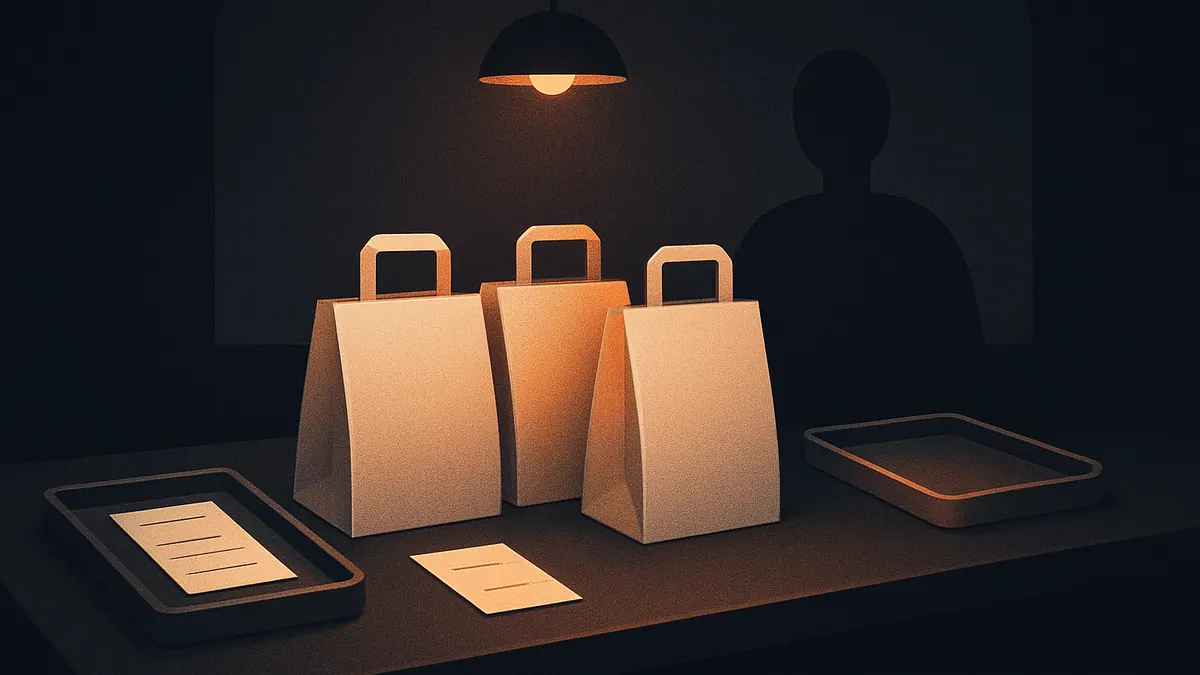
To prepare pickup orders, assemble each one in a designated area and check its contents against the ticket before closing it. Keep ready orders physically separate from those still being prepared, and make the identification needed to hand each order to the right person easy to see.
Do a final check of the complete order: dishes, sides, drinks, modifications and requested items. For orders with several containers, confirm they all belong to the same ticket before closing the bag. If there are delivery instructions, such as leaving the order at an agreed location, make sure they are available to whoever handles the handoff.
Packaging and storage are also part of the process. In Spain, Royal Decree 1021/2022 establishes that when perishable food is transported from the establishment, the person responsible for transport must use suitable means to maintain the specified storage temperatures within the applicable limits (text of Royal Decree 1021/2022). Keep this in mind when deciding how to pack and hand off each type of product, and check that delivery can maintain the relevant conditions.
Finally, record the order as collected or handed off in the system. This prevents an order that has already been picked up from still appearing as pending and helps you respond if a question comes up.
What should you review to improve delivery order control?
Improve delivery order control by reviewing where delays happen and which errors keep recurring, then turning each finding into a specific process adjustment. You do not need to start with a complex system: watch the full workflow and ask the team where they lose the most time or information.
At the end of service, review orders that arrived late, were handed off incomplete or needed a correction. Group the reasons simply: order details, communication with the kitchen, product availability, preparation, packing or handoff. If the same problem keeps coming up, change the instruction or setup causing it; do not just ask people to pay more attention.
Keep the menu up to date across all channels and quickly communicate which items are unavailable. Make sure updates reach both the people taking orders and the people preparing them. An order management system can provide a shared view of incoming and outgoing orders, while handling several channels manually can make omissions more likely (guide to order management systems).
If you are reviewing tools to coordinate service, you can learn about Tablezio's restaurant management software. Choose a solution that fits the way you work and helps the team follow the agreed workflow, rather than adding steps that are hard to maintain.
Frequently asked questions
How can you avoid errors in delivery orders?
Record every order in one shared place and check the items, quantities, modifications and notes before sending it to the kitchen. Before closing the bag, compare its contents with the ticket.
How do you organize takeaway and dine-in orders at the same time?
Define responsibilities and a place for each stage, from receiving an order to handing it off. Keep takeaway orders visible without neglecting front-of-house work, and review the team's workload when volume increases.
What information should the team check before accepting an order?
Check what was ordered, the quantities, modifications, availability and whether it is for pickup or delivery. Resolve questions and provide allergen information before completing the purchase.
How can you avoid delivery delays during busy periods?
Organize work by the agreed time, each ticket's status and the preparation required. Spot blocked orders early and notify the customer if you expect not to meet the planned time.
Should delivery be separated from dine-in service?
It depends on how it affects the operation and the resources available. If home-delivery orders interfere with service in the restaurant or volume grows, consider whether you need a more independent setup.
Try Tablezio in your business
Sources
- Real Decreto 1021/2022, de 13 de diciembre, por el que se regulan determinados requisitos en materia de higiene de la producción y comercialización de los productos alimenticios en establecimientos de comercio al por menor
- Distance Selling
- ¿Qué es un sistema de gestión de pedidos y por qué es fundamental para tu negocio?
- C84 | FOODSERVICE
This article was produced with the help of artificial intelligence. Its specific facts were checked against the sources listed at the end and reviewed automatically.